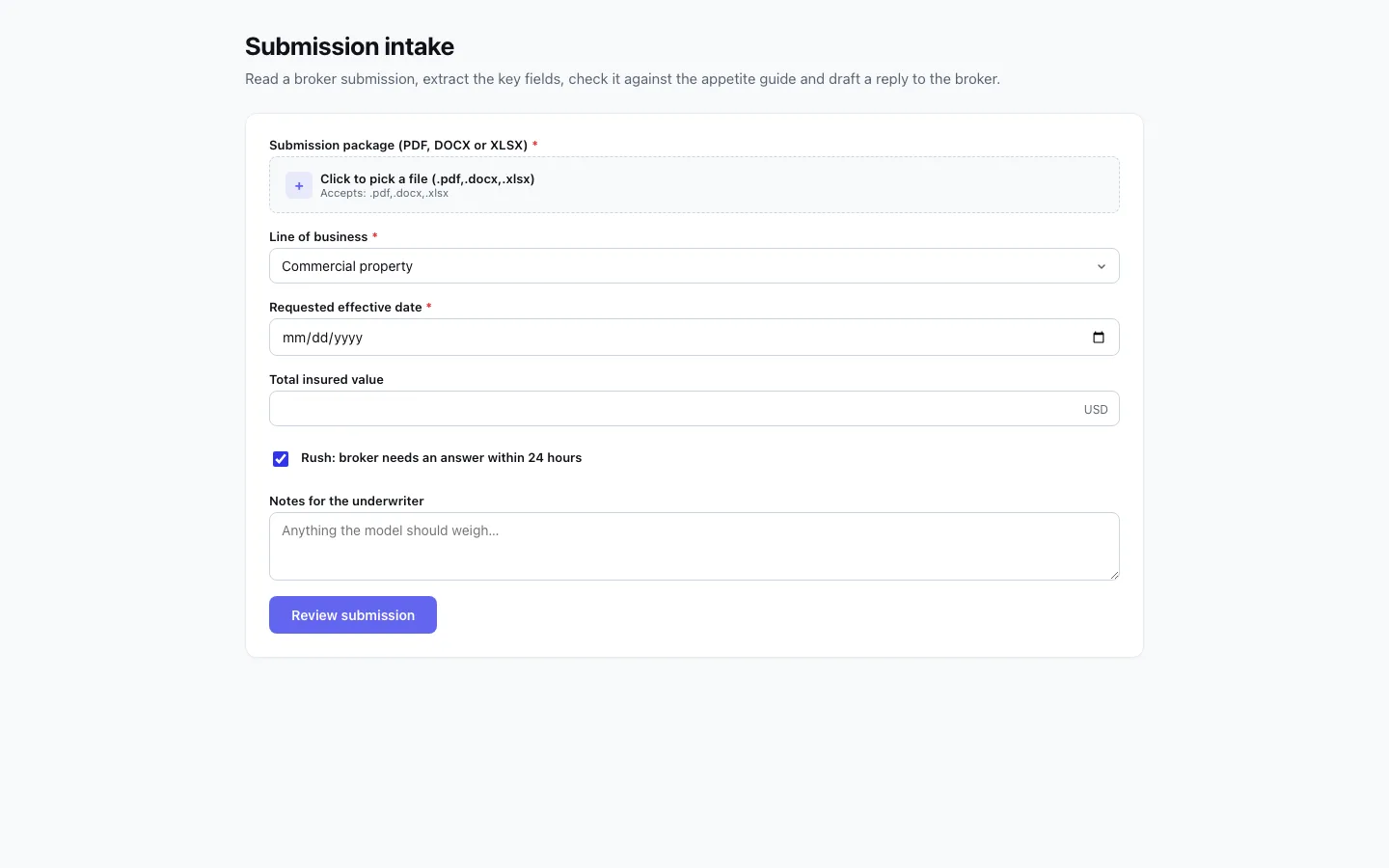
Most of the value of an AI worker shows up when nobody has to ask: the overnight check that is already written up at 9 a.m., the pipeline step that drafts the release note, the hourly sweep of a queue. InsightWorker has three ways to run without anyone at the keyboard, and they suit different jobs.
One-shot prompts
insightworker -c "list all Airflow DAGs" runs a single prompt through the agent with your configured provider and tools,
prints the result and exits. It is the quickest way to put the worker in a cron line or a CI step, and the least structured: the output is
prose.
Headless app runs
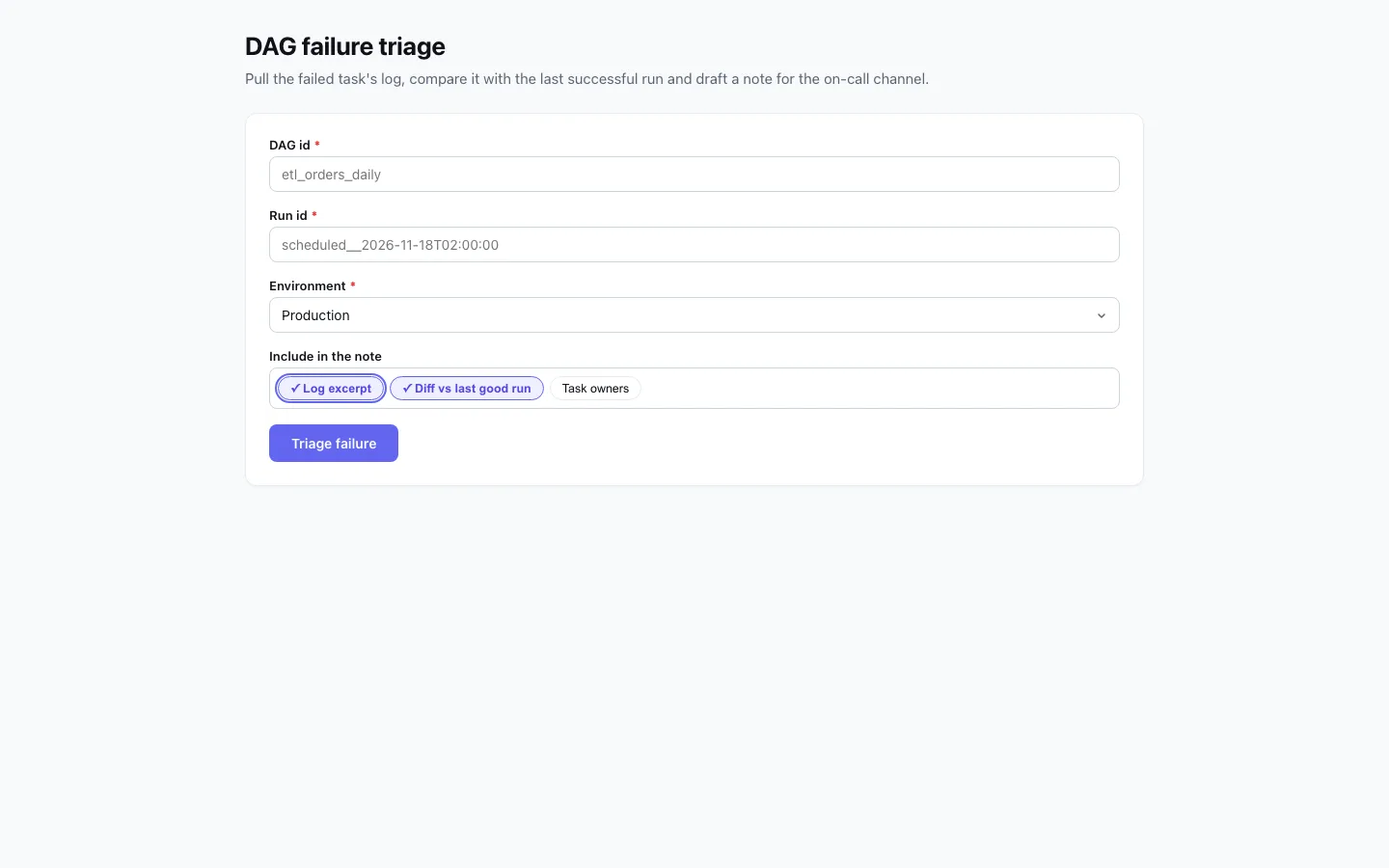
When a pipeline needs structure, run an app instead of a prompt:
insightworker app run dag-failure-triage \
  --input dag_id=etl_orders_daily \
  --input run_id=scheduled__2026-11-18T02:00:00 \
  --input env=prod
The worker reads the bundle's widget.json and workflow.yaml (from ./apps/<slug>/, or
--bundle-dir), builds the inputs from --input pairs or an --inputs JSON file, resolves file inputs to
absolute paths, runs the steps, prints each step's events as they stream and returns an exit code. Other systems use exactly this: the
InsightTestBench QA bench, for one, runs its test-generation and analysis apps through insightworker app run and reads the event
stream.
The scheduler
Schedules live in .insightworker/schedules.yaml in the workspace. Each has a name, a cadence and what to run:
schedules:
  - name: nightly-dag-check
    cron: "15 6 * * 1-5"          # 06:15 on weekdays, local time
    prompt: >
      List the DAGs whose last run failed since yesterday 18:00,
      diagnose each with the dag-run-diagnose skill, and write
      a summary to reports/dag-check.md.
    enabled: true
  - name: hourly-backlog
    every: 1h
    workflow: claims-backlog-report
enabled: false- Cadence is either
every:(45s,30m,2h30m,1d, or@hourly,@daily,@weekly) orcron:(a standard cron expression in the machine's local time zone, orTZif set). Not both. - What to run is either a
prompt:or aworkflow:(a workflow folder in the workspace, whose tasks the agent is asked to run). - enabled switches a schedule off without deleting it.
insightworker --daemon starts the scheduler. insightworker schedule list shows what is configured, and
insightworker schedule run <name> fires one schedule now, which is the way to test it. Each schedule writes a log to
.insightworker/logs/<name>.log with its start, every tool call, errors and the end.
Dry runs
insightworker schedule run --dry-run <name> sets a flag that side-effecting tools check. That covers email: instead
of sending, the message opens as a preview in a browser. Other tools run normally in a dry run, so a dry run is not a sandbox.
schedule run before you enable it.Choosing between them
| You need | Use |
|---|---|
| A quick answer inside a script, read by a person | One-shot -c |
| Typed inputs, step outputs and an exit code for a pipeline | Headless app run |
| The same check or digest every hour, night or weekday | A schedule, ideally running an app or a tightly scoped prompt |
A checklist before enabling a schedule
- Write the prompt as an instruction with a defined output (a file, a report path), not a question.
- Run it once with
schedule runand read the log. - If it sends anything, run it again with
--dry-run. - Give the worker's account only the access the schedule needs.
- Set
enabled: trueand start the daemon somewhere that stays up.