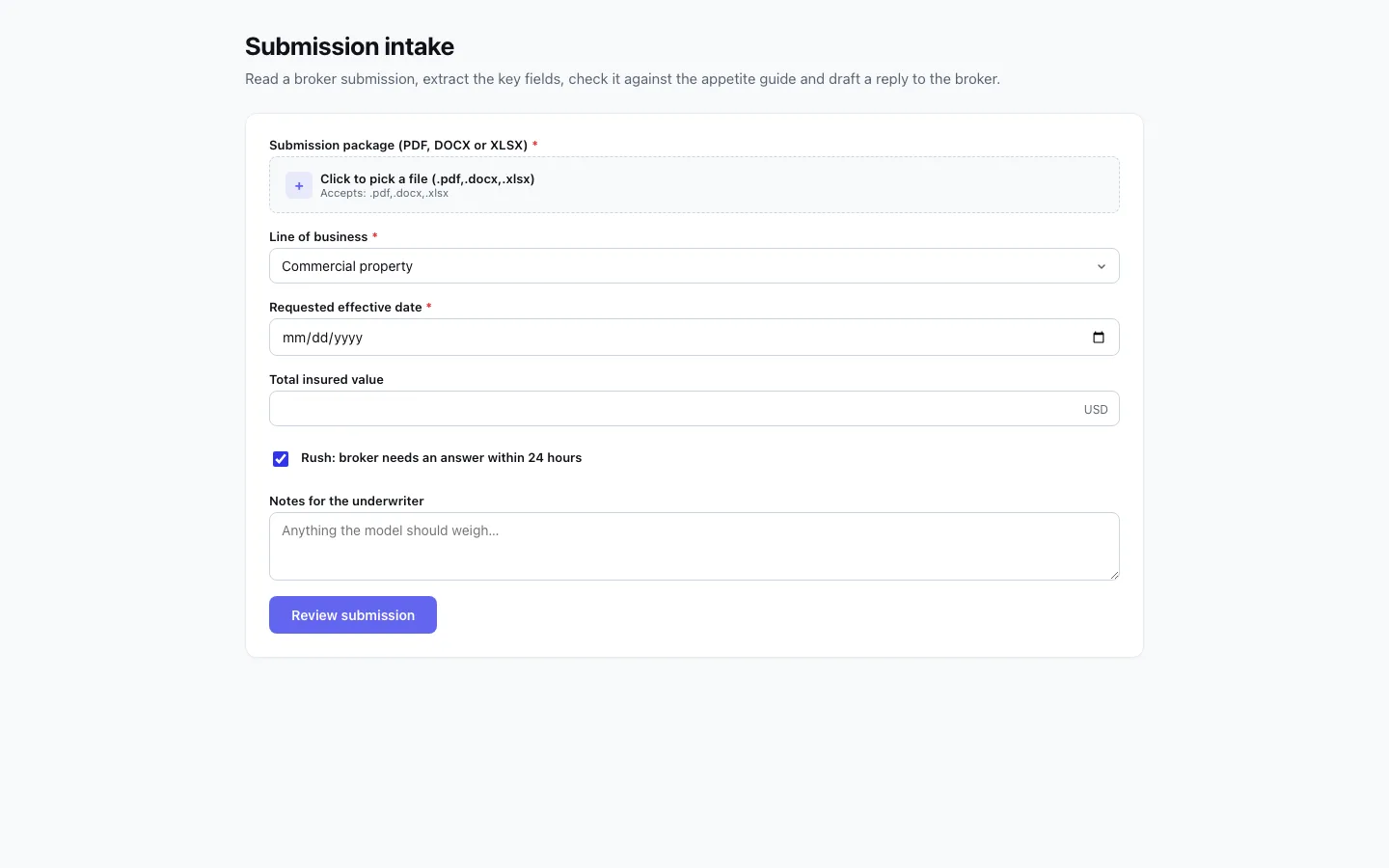
Data teams spend the first hour of many mornings on the same routine: which DAGs failed overnight, why, and who needs to know. The investigation is rarely hard; it is slow, and it is the same every time. This example shows a made-up data engineering team handing the routine part to InsightWorker while keeping every decision with the on-call engineer.
Quarry Lane Freight's data platform team
Quarry Lane Freight (a fictional carrier) runs about a hundred and twenty Airflow DAGs feeding a reporting warehouse used by operations and finance. Five engineers share an on-call rotation. Tomás, this week's on-call, wants the morning check done before stand-up, and a faster way to write up a failure for the operations channel.
The shape of the solution
Context first: the project playbook
The team runs /init in the repository that holds their DAGs and writes a short always-on playbook. A second, on-demand
playbook (@runbook) holds the longer recovery runbook for when someone asks for it explicitly.
---
name: project
scope: always
---
# Freight data platform
- Airflow 2 on Kubernetes. DAG ids: etl_<domain>_<cadence>.
- Warehouse: PostgreSQL (staging) and Oracle ADW (reporting).
- Never clear or re-run tasks; report and recommend only.
- Owners: orders = @data-orders, routing = @data-routing.
The worker's connection settings for Airflow and the databases live in its .env on the server, with a read-only Airflow user
and read-only database accounts. The playbook says "never re-run"; the credentials make sure of it.
The morning check: a schedule
In .insightworker/schedules.yaml the team adds a weekday schedule at 06:15 with a prompt: list the DAG runs that failed
since 18:00 the day before, diagnose each one using the bundled DAG-run diagnosis skill and the playbooks, and write one section per failure
to reports/dag-check.md. They test it with insightworker schedule run nightly-dag-check, read the log in
.insightworker/logs/, adjust the prompt twice, then enable it and start insightworker --daemon on the team's
utility server.
The triage app: for one failure, on demand
For a failure that needs a write-up, Tomás uses an app instead of a conversation, so every write-up has the same shape:
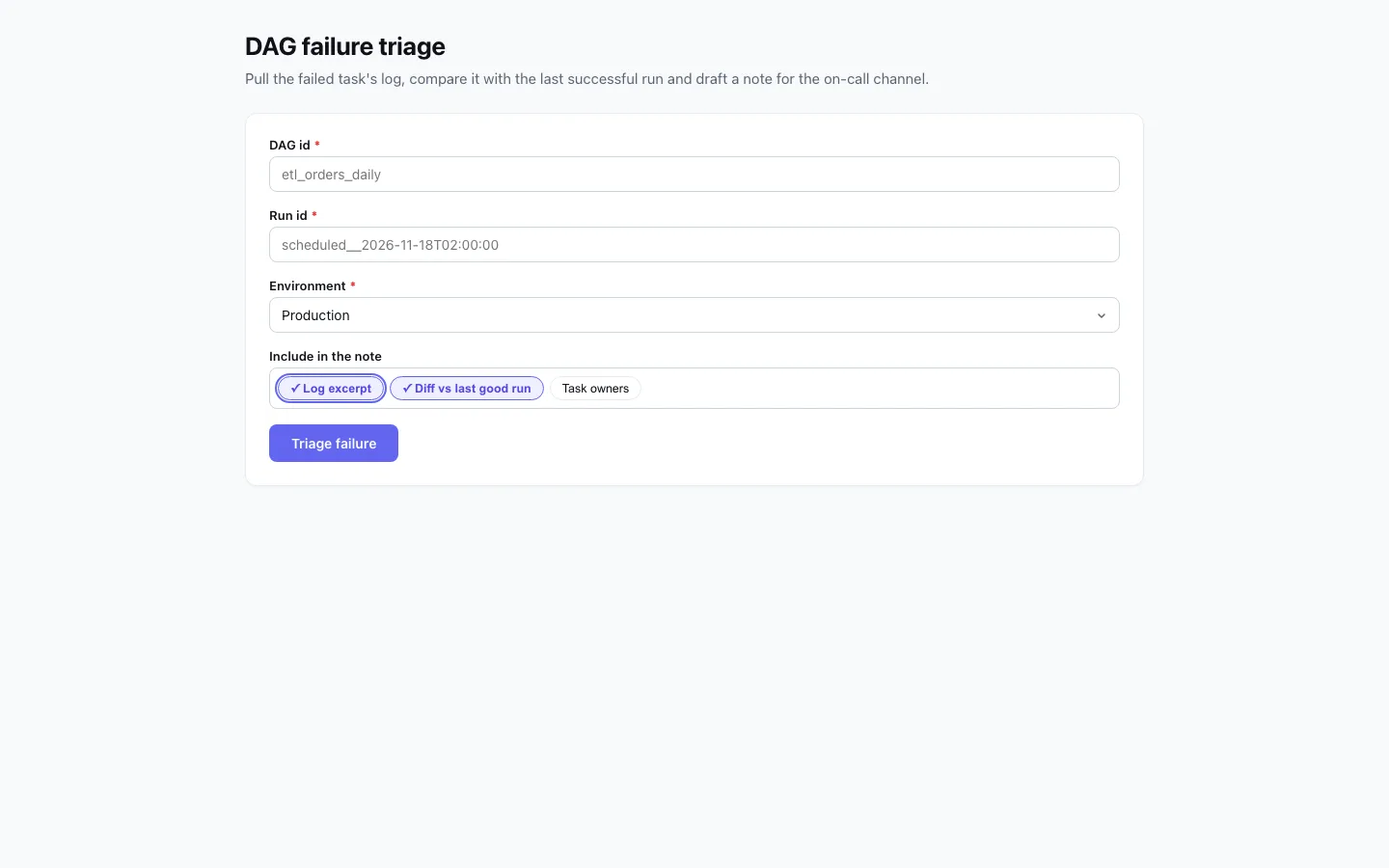
- Shell steps fetch the failed task's log and the last successful run's log through the Airflow API, and compute a diff of the task's configuration and inputs between the two.
- A prompt step explains the failure from that evidence, following the playbook's conventions, and says what it could not determine.
- A second prompt step, on a faster model, turns the explanation into a four-line note for the operations channel, in an editable panel.
A morning, step by step
- 06:15: the schedule runs. By 06:40
reports/dag-check.mdlists two failures: a routing DAG that timed out waiting on an upstream file, and an orders DAG with a schema mismatch after a source change. - 08:50: Tomás reads the report, opens the orders failure in the triage app, and checks the diff: a new column in the source extract.
- 09:00: he edits the channel note, posts it, and opens a ticket for the orders team with the triage attached. Nobody re-ran anything without a human deciding to.
What to measure
Do not trust a vendor's number, including ours; count your own. Before and after a month: how long the morning check takes the on-call engineer, how many failures reach the channel with a written explanation, and how often the worker's diagnosis was wrong or incomplete. The last one tells you which playbooks to improve.
Related: schedules and headless runs and playbooks and project context.