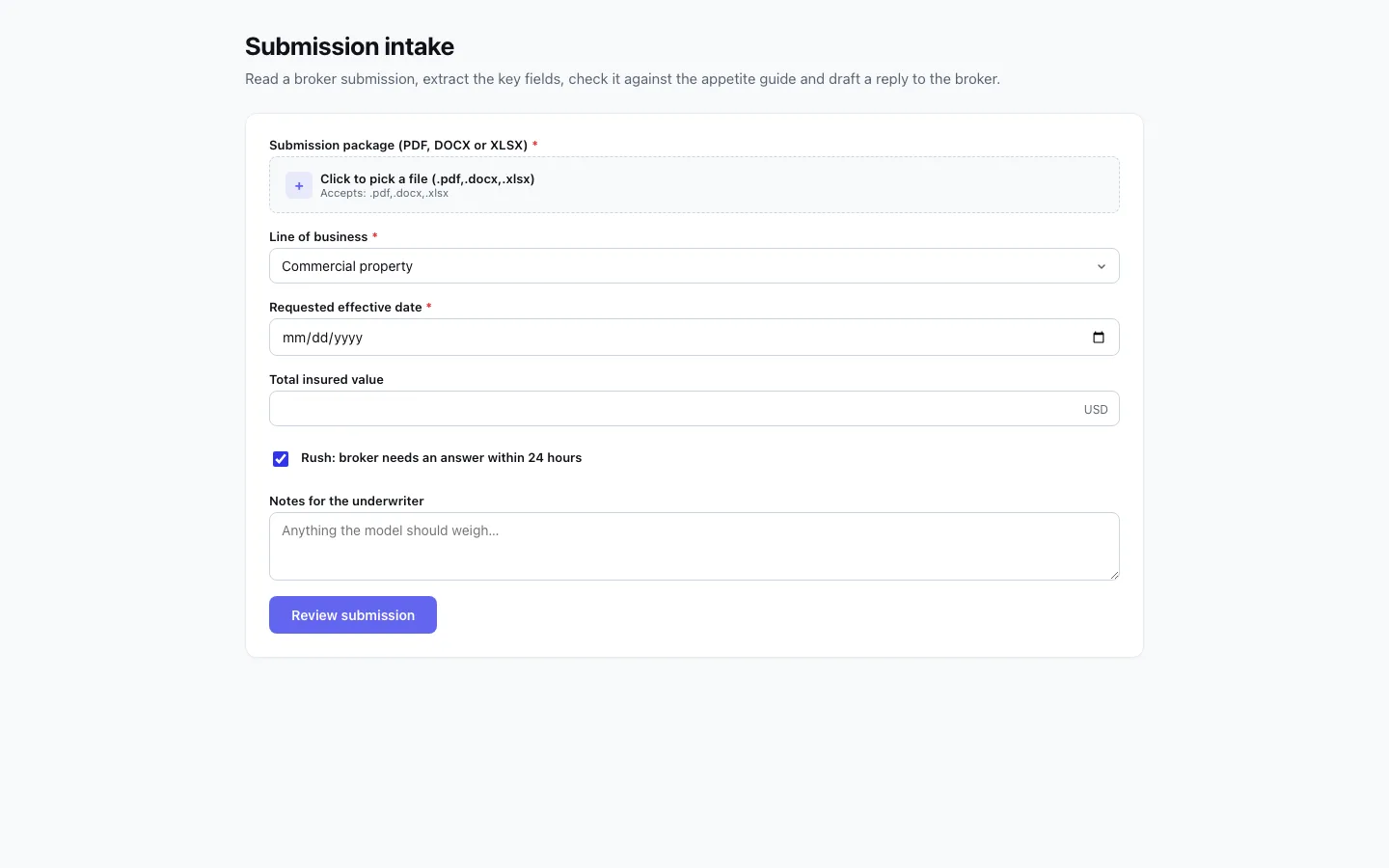
An InsightWorker app is how a one-off conversation becomes a tool the team can reuse. It is a folder of small text files that you can read, diff, review and version like any other code. This article opens the folder.
Five files
widget.json: the form and the results
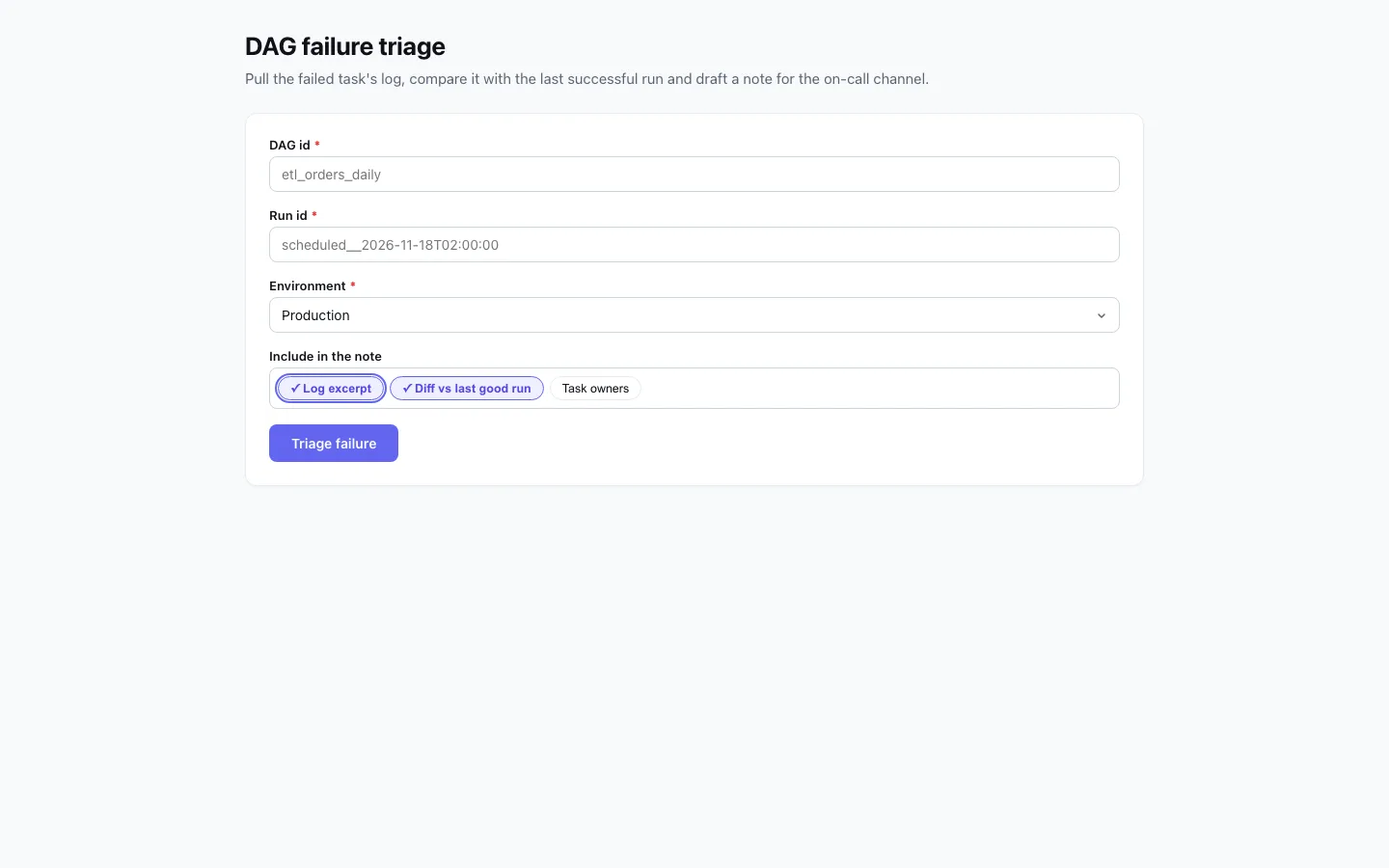
The widget describes what a person fills in and what they get back. Inputs come in nine types: text, textarea,
number (with a unit), date, checkbox, select, multiselect, file
and folder. Options for a select can be static, come from a shared dictionary, from the worker's API or from a tool call. An input
can be shown only when another has a given value (visible_if). Outputs come in five types: a key/value json_summary,
a sortable dataframe, markdown, editable_text with copy and download actions, and files.
{
  "version": "1.0",
  "title": "DAG failure triage",
  "inputs": [
    { "type": "text",   "key": "dag_id", "label": "DAG id", "required": true },
    { "type": "text",   "key": "run_id", "label": "Run id", "required": true },
    { "type": "select", "key": "env",    "label": "Environment", "default": "prod",
      "options_source": { "kind": "static", "options": [
        { "value": "prod", "label": "Production" }, { "value": "stg", "label": "Staging" } ] } },
    { "type": "multiselect", "key": "include", "label": "Include in the note", "options_source": { ... } }
  ],
  "submit":  { "label": "Triage failure", "workflow": "dag-failure-triage" },
  "outputs": [
    { "type": "markdown",      "key": "triage",       "title": "Triage" },
    { "type": "editable_text", "key": "channel_note", "title": "Note for the on-call channel" }
  ]
}
workflow.yaml: the steps
Each step has an id that matches an output panel's key. A step is either a prompt, sent to the model with the plan,
the inputs and the outputs of earlier steps, or an action: shell step that runs a command directly, with no model
in the loop, in the bundle's folder or a working_dir you set, killed after timeout_sec (300 seconds unless you say
otherwise). Files a shell step writes to the run folder become its output. Steps marked parallel run together with their
neighbours, and a step can name its own model, for example a faster one for a short summary.
steps:
  - id: triage
    name: Diagnose the failed task
    prompt: |
      Fetch the log for {{dag_id}} / {{run_id}} in {{env}}, compare it with the
      last successful run and explain the failure. Follow plan.md.
  - id: channel_note
    name: Draft the note
    model: "{{fast_model}}"
    prompt: |
      Write a four-line note for the on-call channel from the triage above.
plan.md, app.yaml, manifest.yaml
plan.md is the author's how-to in plain markdown ("prefer the scheduler log over the worker log; never restart a task"),
loaded into the prompt steps. app.yaml holds the name, slug, version, description, category, tags and owner that a catalogue
shows. manifest.yaml describes the bundle for sharing.
How a run flows
From the REPL, /app run <slug> --ui opens the form in a browser, and /app run <slug> runs it in the
chat. From a script, insightworker app run <slug> --input dag_id=etl_orders_daily --input run_id=... (or
--inputs inputs.json) runs it headless, resolves file inputs to paths on disk, prints each step's events as they stream and exits
with a status code your pipeline can check.
Prompt or shell?
| Use a prompt step when | Use a shell step when |
|---|---|
| the step needs judgement: reading a document, explaining a failure, drafting text | the step is mechanical: converting a file, running a query, calling an API, computing a total |
| the input varies in shape from run to run | the same input should always give the same output |
| a person will review the output | a later step or a system depends on the exact output |
Good apps mix both: shell steps fetch and compute, prompt steps interpret and write, and the person reviewing the result sees which was which.
Creating one
/app create "what you want to do" scaffolds a bundle from a description; you then edit app.yaml and
widget.json and run it. Start with one input and one output, run it, then add panels as the team asks for them.