InsightWorker Logo

Submission Triage from SharePoint

Watch your underwriting SharePoint site, detect new submission folders the moment they land, and ship the exec one-pager + a flagged-issues list to the right underwriter — before they even check email.

← All use cases
Insurance — Underwriting
Commercial property, specialty, casualty underwriting — any carrier with broker-fed SharePoint intake
SharePointMicrosoft 365OCRschedulinginsurance underwriting

The problem

  • Brokers drop submissions into SharePoint as folders named '<Insured> — <YYYY-MM-DD>' with a mix of policy PDFs, multi-tab Excel SOVs, scanned loss runs, and an email thread.
  • Underwriting assistant manually walks the site every morning, opens each new folder, reads everything, builds a one-pager so the underwriter can prioritise. Cycle time: 60-90 minutes per submission.
  • Different assistants produce different one-pagers — peer review and committee can't compare submissions apples-to-apples.
  • Critical issues (missing loss runs, broker sent the wrong SOV tab, TIV outliers) get caught late or not at all.

How InsightWorker handles it

1
Schedule a 30-minute poll of the SharePoint site root — diff against the prior list to find new submission folders. sharepoint_list · scheduler · cron
2
Parse the folder name to extract insured, broker, submission date, line of business — folder naming convention becomes a free metadata layer. agent reasoning · folder pattern
3
List each folder's contents; download policy / SOV / loss runs / broker email locally for processing. sharepoint_list · sharepoint_read
4
OCR scanned loss runs, parse the SOV (handle the 'broker put the data on tab 4' case), apply the insurance-intake skill to the policy doc. ocr_document · excel · insurance-intake skill
5
Generate the exec one-pager (Word) — risk summary, SOV stats, prior loss history, named insureds, broker context, flagged issues. create_docx
6
Email the underwriter on call for that LOB — subject 'New submission · <Insured> · <TIV>', body is the one-pager preview, attached is the full document with a deep-link back to the SharePoint folder. send_email · HTML body
7
Iterate the email format with --dry-run before sending real underwriter alerts. schedule run --dry-run

Screenshots

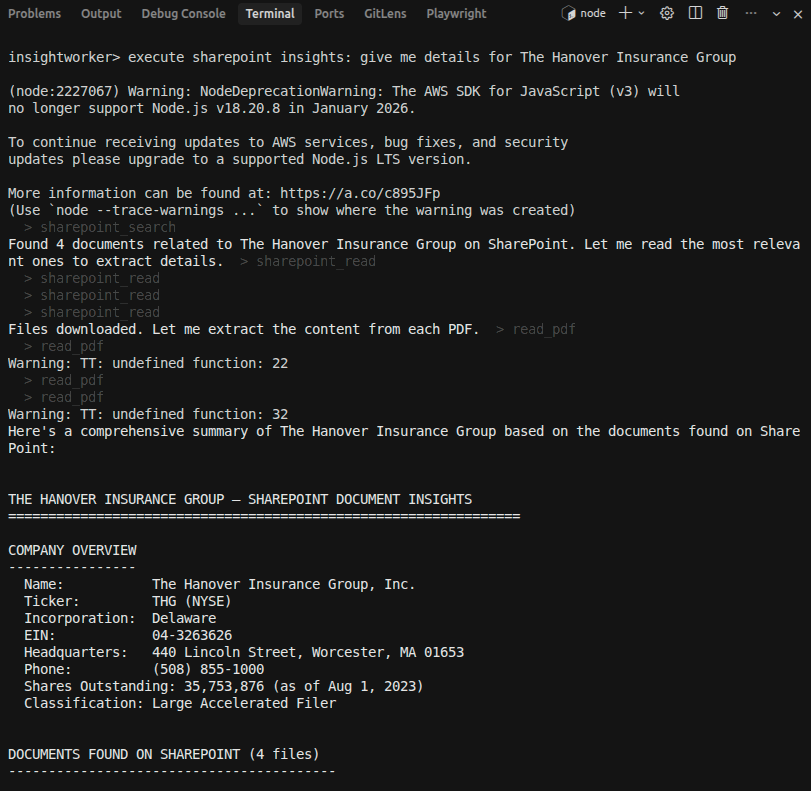
InsightWorker detecting a new submission folder in SharePoint

InsightWorker detects a new submission folder the moment it lands in SharePoint and begins ingesting broker documents.
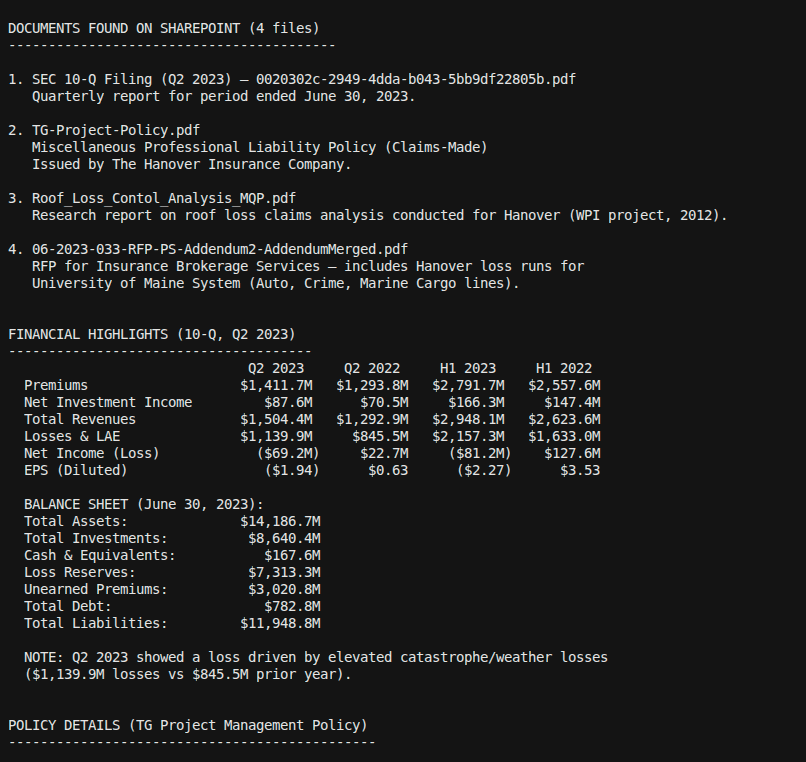
OCR extraction and document analysis of policy, SOV, and loss runs

OCR extraction and document analysis — policy forms, Statement of Values, and loss runs are parsed and structured automatically.
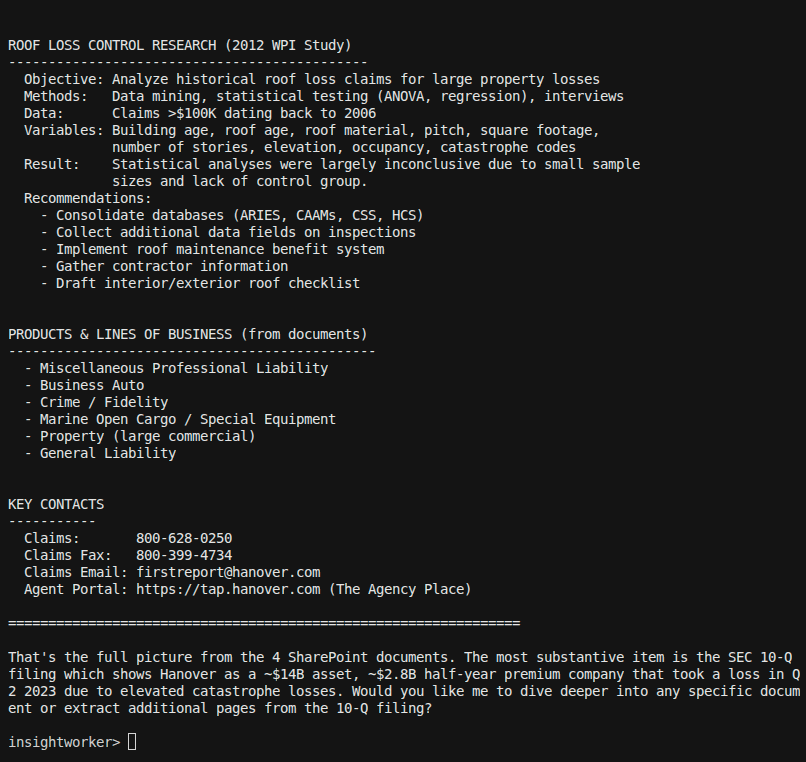
Executive one-pager generated and emailed to the assigned underwriter

Executive one-pager generated and emailed to the assigned underwriter — before they even open their inbox.

Sample prompt

"Triage the new submission folder Acme Manufacturing - 2026-04-12 — generate the exec one-pager and email it to property-uw@acme.com."
Deliverables: exec_one_pager.docx · sov_normalized.xlsx · flags_for_review.md · daily HTML digest of new submissions
Prefer the browser?
Run this in InsightStudio — no CLI install for the user.

Authors publish the app once with iw app publish; business users open it in the marketplace and click Run. Your worker box does the execution.

Visit InsightStudio →

Try this use case yourself

Free trial available — CLI, Desktop, VS Code, and the new --worker mode for InsightStudio. See download for details.

Download Free Trial