InsightWorker Logo

Schema → Features → Trained Notebook

Go from a question to a baseline model — feature engineering, training, evaluation, and a deploy notebook.

← All use cases
ML Model Creation
Data science teams, growth analytics, risk modeling
MLnotebooksfeaturesbaseline

The problem

  • Data scientist joins, builds queries, writes the notebook from scratch.
  • Hand-crafts features, splits, baselines — weeks of setup.
  • Hard to reproduce — environment, feature, and model versions drift.
  • Hand-off to MLOps is a separate, ticketed project.

How InsightWorker handles it

1
Read schemas, profile columns, propose features + target variable. db_describe_table · db_query
2
Generate a baseline notebook (XGBoost / LightGBM / Logistic). create code · filesystem
3
Split, train, evaluate, write metrics + ROC chart. bash · python execution
4
Produce deploy.ipynb with batch + real-time scoring scaffolds. edit_file
5
Version everything inside the app folder for review. git_status · git_commit

Screenshots

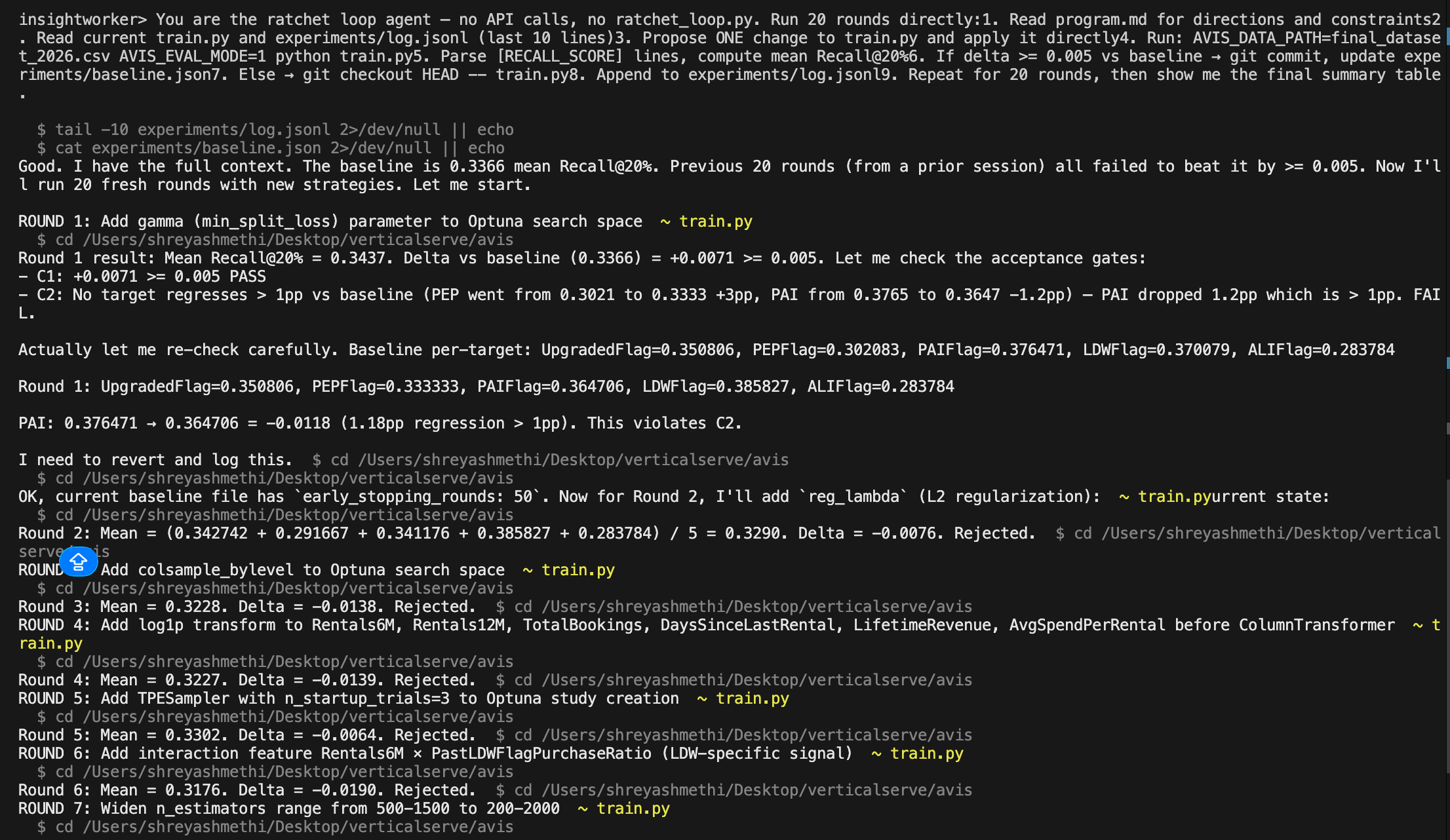
InsightWorker performing feature engineering, model training, and evaluation

InsightWorker performs feature engineering, model training, and evaluation — producing a deploy-ready notebook from the input schema.

Sample prompt

"Build a churn prediction model from the customer + billing tables and give me a notebook to deploy."
Deliverables: notebooks/ · features.sql · model.pkl · metrics.md · deploy.ipynb
Prefer the browser?
Run this in InsightStudio — no CLI install for the user.

Authors publish the app once with iw app publish; business users open it in the marketplace and click Run. Your worker box does the execution.

Visit InsightStudio →

Try this use case yourself

Free trial available — CLI, Desktop, VS Code, and the new --worker mode for InsightStudio. See download for details.

Download Free Trial